Talk to your Mac. Get back clean, polished text.
A local speech model hears you, your own AI cleans it up, and the polished text lands in whatever app your cursor is in — in your voice, with your own names spelled right.
Runs the same two-stage pipeline right here — speech to text, then the app's real cleanup prompts. No install, no account.
How it works
- 01
Hold Fn and talk
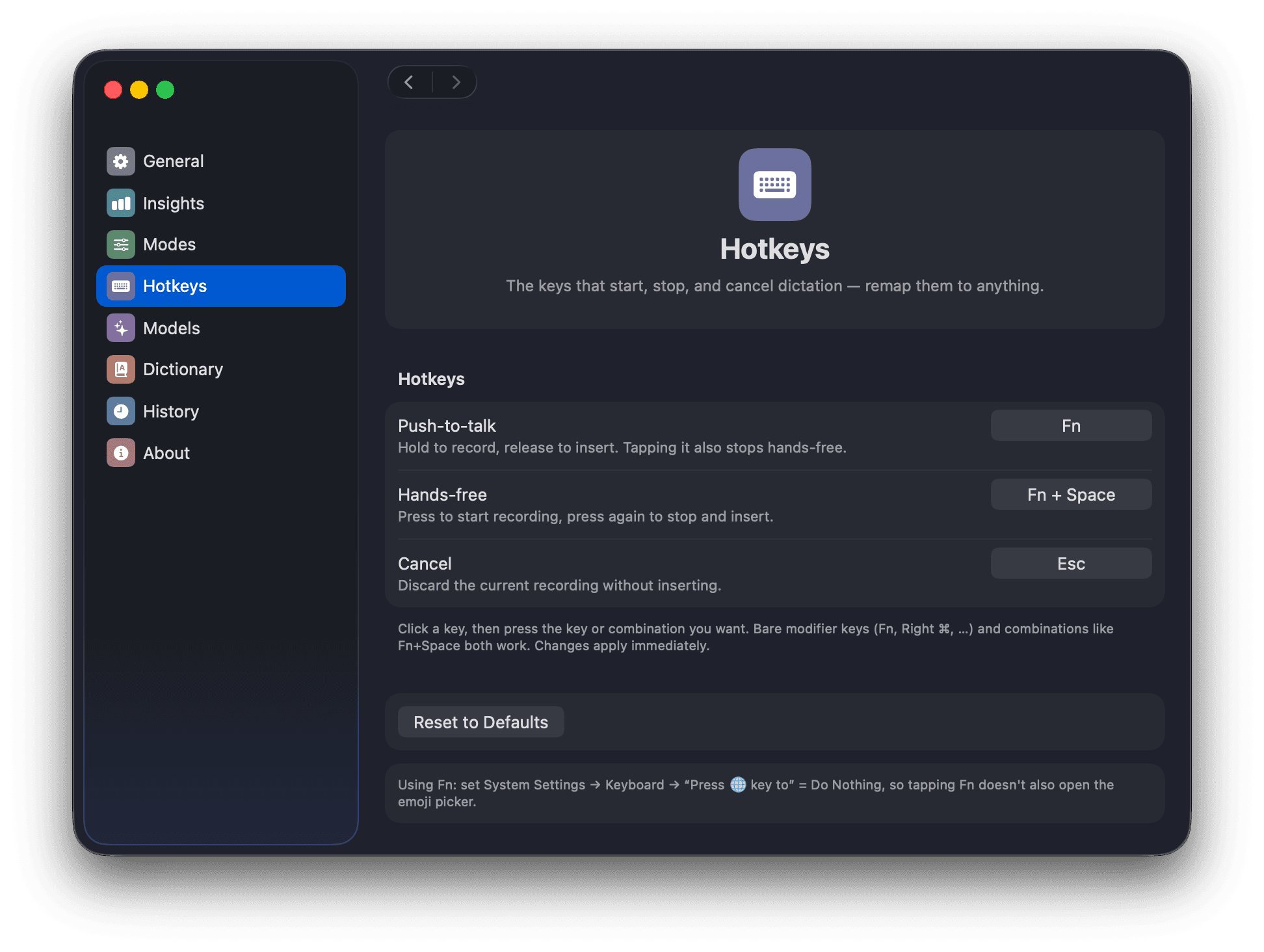
An overlay at the bottom of the screen shows a live waveform while you speak. Push-to-talk, hands-free, and cancel are all remappable.
- 02
A local model hears you
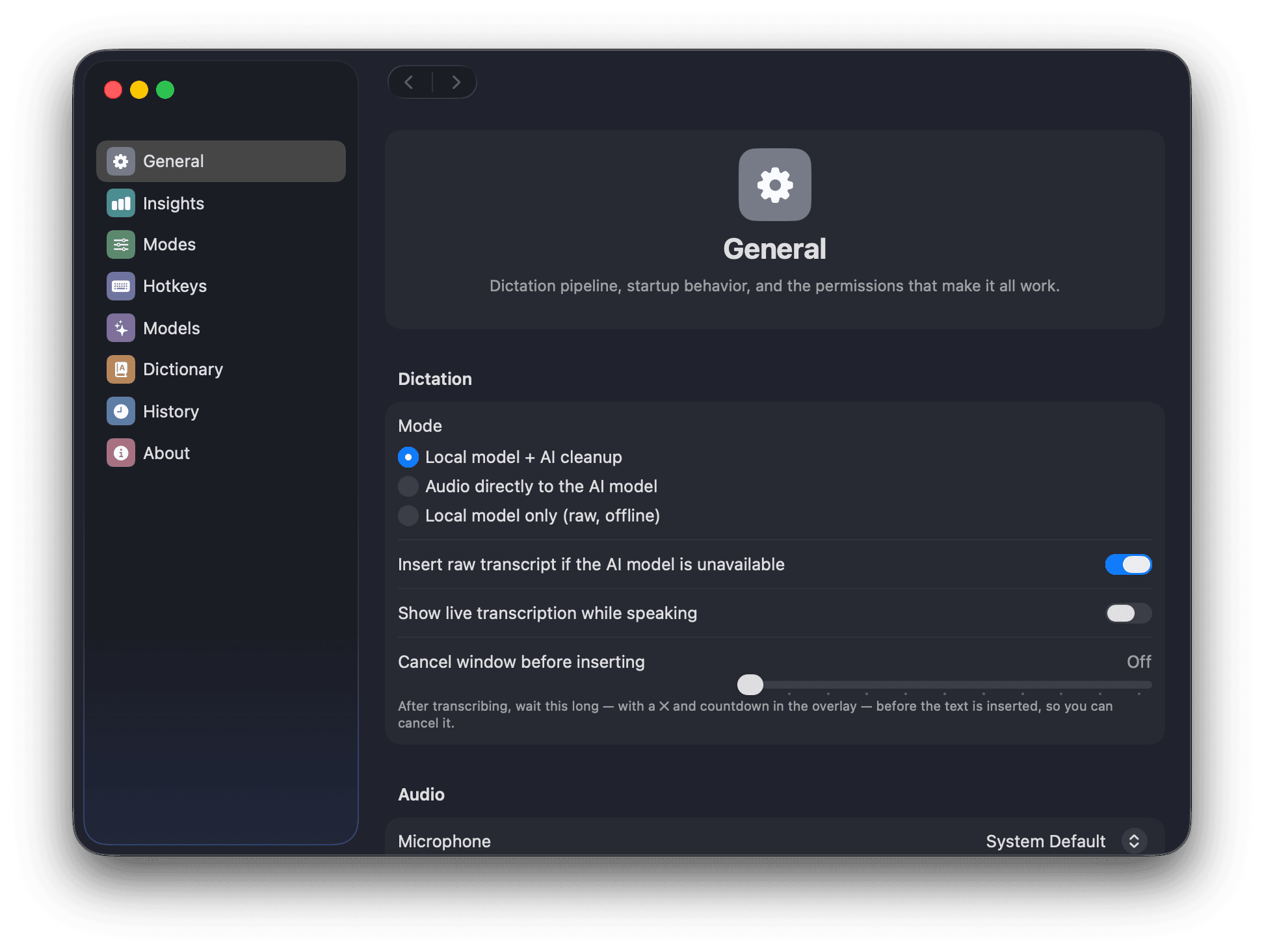
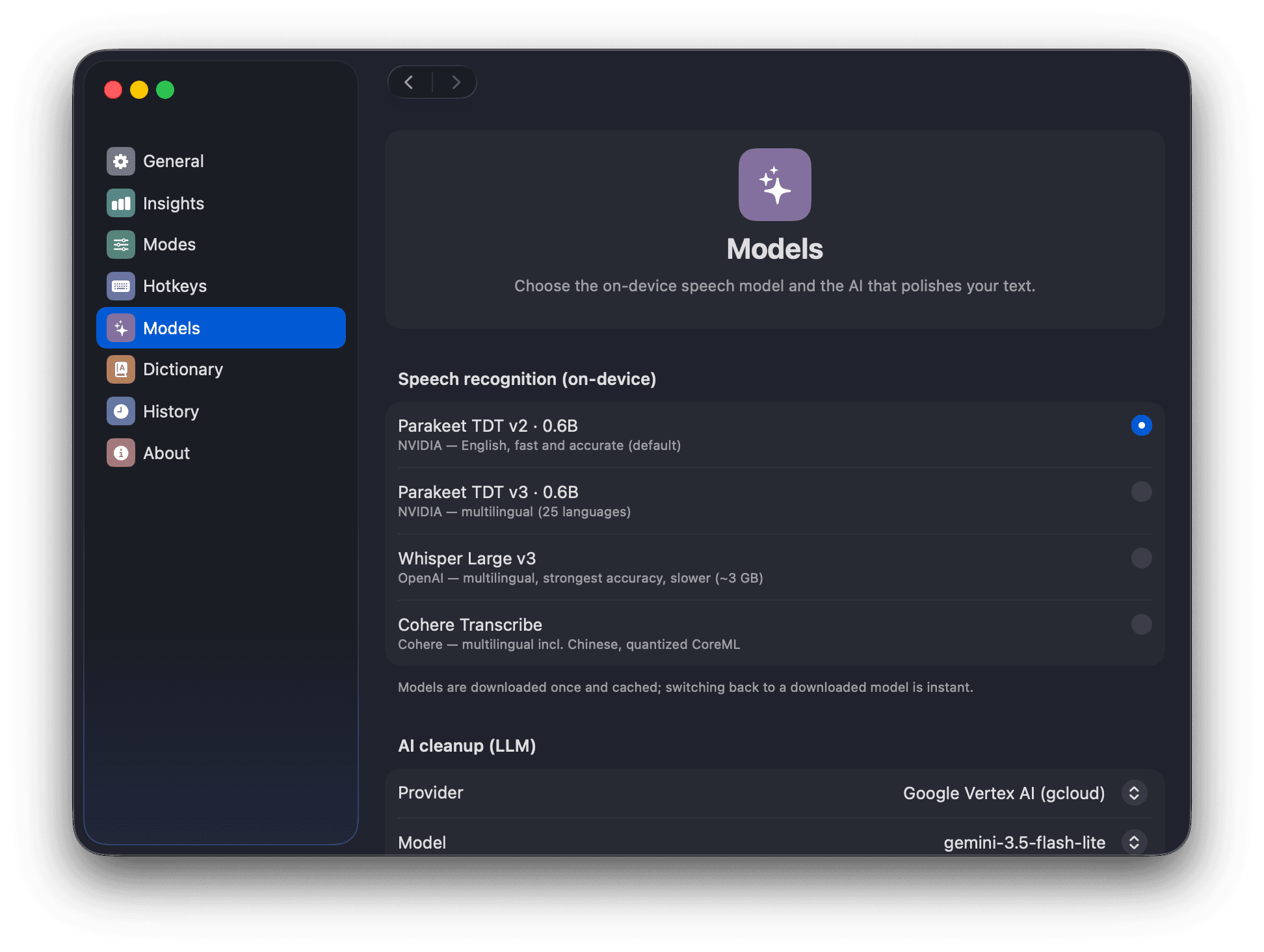
Parakeet TDT runs on the Apple Neural Engine at ~100× realtime — or Whisper Large v3, or Cohere Transcribe. Downloaded once, then fully offline.
- 03
Your AI cleans it up
Fillers, false starts, and grammar slips go; your voice stays. Then the polished text lands in whatever app your cursor is in.
The app
What's inside
Local speech recognition
Parakeet TDT v2/v3, Whisper Large v3, or Cohere Transcribe — downloaded on first use and cached. Transcription never leaves your Mac.
Bring your own AI
Google Vertex AI (via your gcloud login), the Gemini API, or any OpenAI-compatible endpoint — OpenRouter, Groq, a local Ollama. You set the base URL.
Keys in the Keychain
API keys live in the macOS Keychain, never in a config file. No provider configured? Raw local transcription still works, fully offline.
Three editable modes
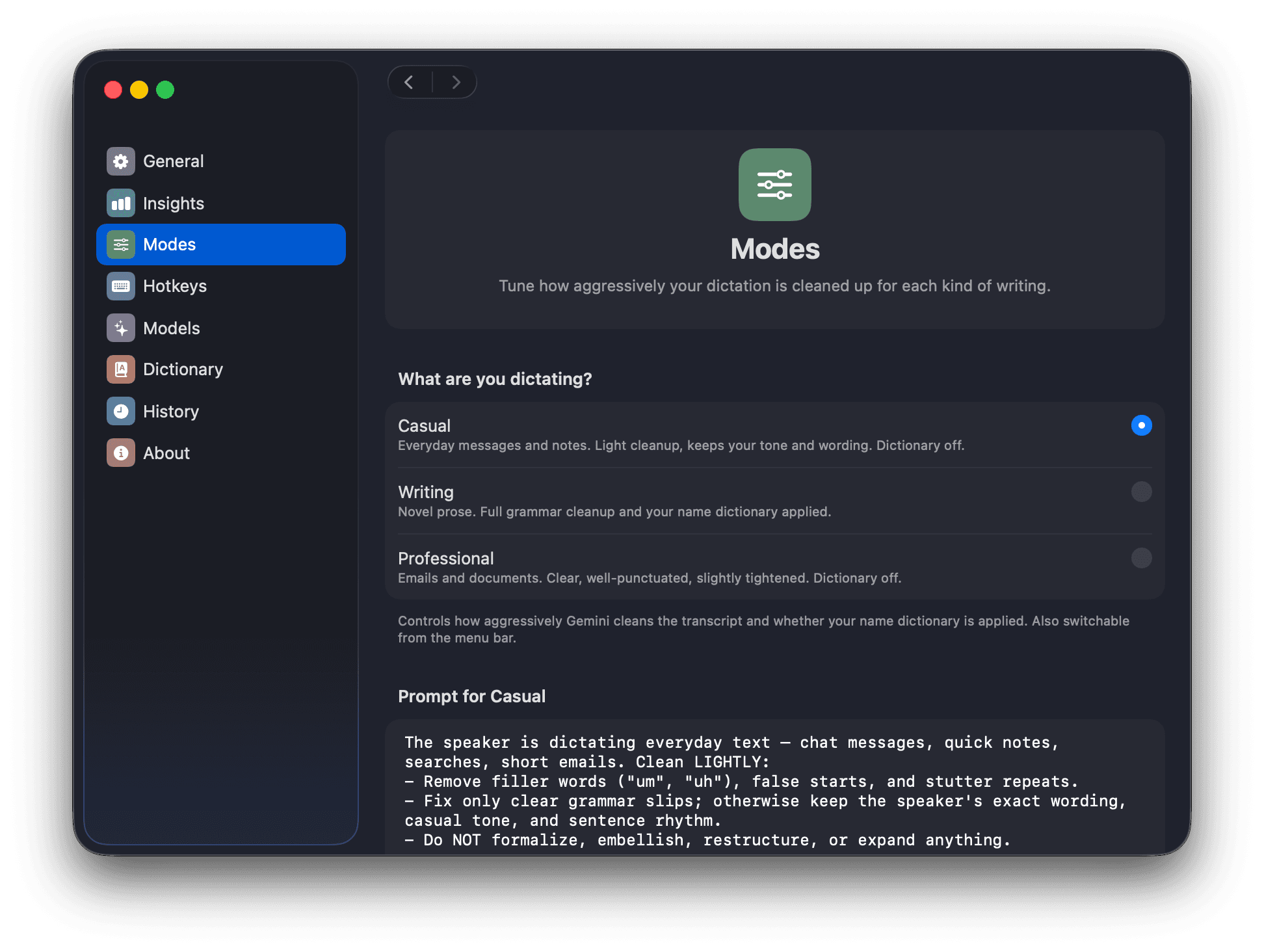
Casual keeps your tone, Writing cleans prose thoroughly, Professional produces business copy. Every prompt is editable in Settings.
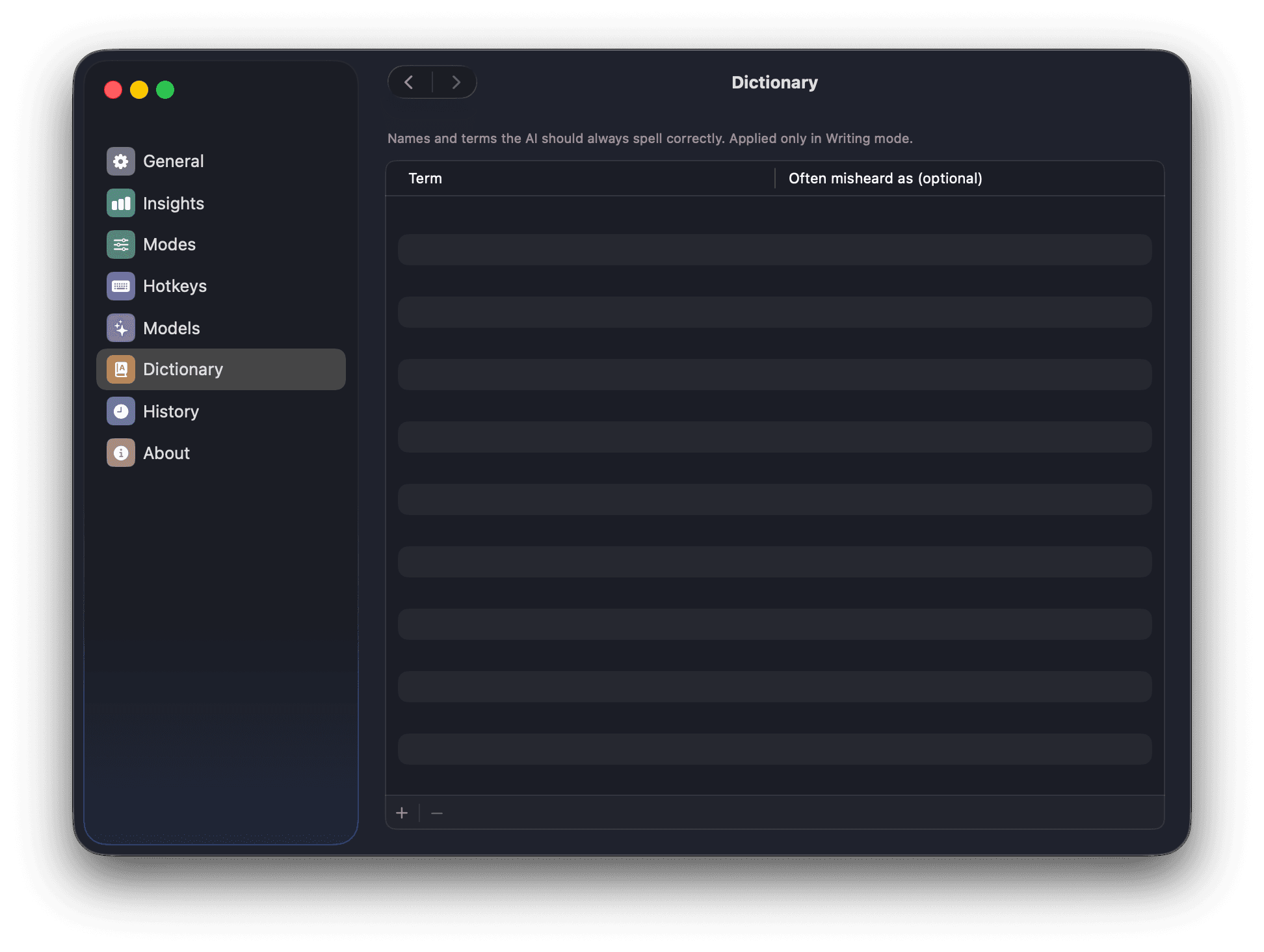
A dictionary that sticks
Teach it character and place names with their common mishearings, and the cleanup model corrects them in context.
Never eats your words
If your provider errors mid-dictation, WisprFree inserts the raw transcript instead. On a hard failure it keeps the transcript on your clipboard.
Hear it work before you install it.
Record a sentence — fillers, false starts and all — and watch the raw transcript turn into the text you meant to write.
Start dictating